Adding a Department Manually
The procedure below describes how to add a department to a specific department Dictionary manually.
|
➢
|
To add a department manually: |
|
1.
|
Open the Departments menu, and then click on the required department Dictionary (Departments > Departments > {department Dictionary name}). |
|
2.
|
Click on the Department List menu. |

|
3.
|
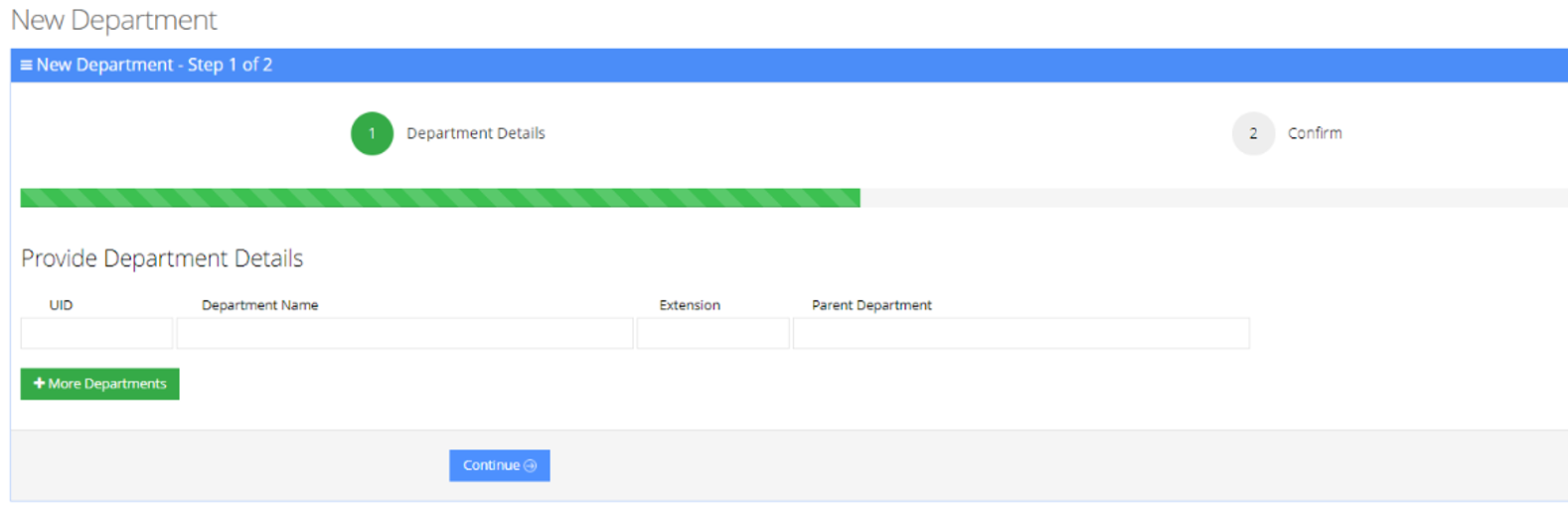
Click Add New; the following appears: |
|
4.
|
Under the Provide Department Details group, enter the following: |
|
5.
|
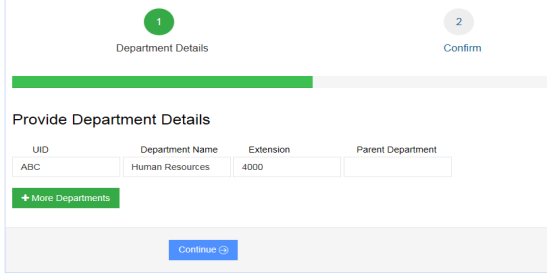
Enter the required fields. |
|
7.
|
Click Save Information. |
|
●
|
Every Department must have a unique ID. It can either be a unique number or a name (e.g., ABC123). |
|
●
|
The ‘Parent Department’ field can be ignored for this step. |